The Safest Way to Buy Bitcoin in 2026
The safest way to buy Bitcoin is through a regulated cryptocurrency exchange—complete identity verification (KYC), fund your account via bank transfer, place your order, and immediately withdraw your Bitcoin to a self-custody wallet. The core principle is simple: Not your keys, not your coins. If you don‘t control the private keys, you don’t truly own your Bitcoin.
This guide walks you through every step of the process—from choosing a secure platform to storing your Bitcoin properly—so you can avoid common mistakes and protect your investment.
What You Need Before Buying Bitcoin
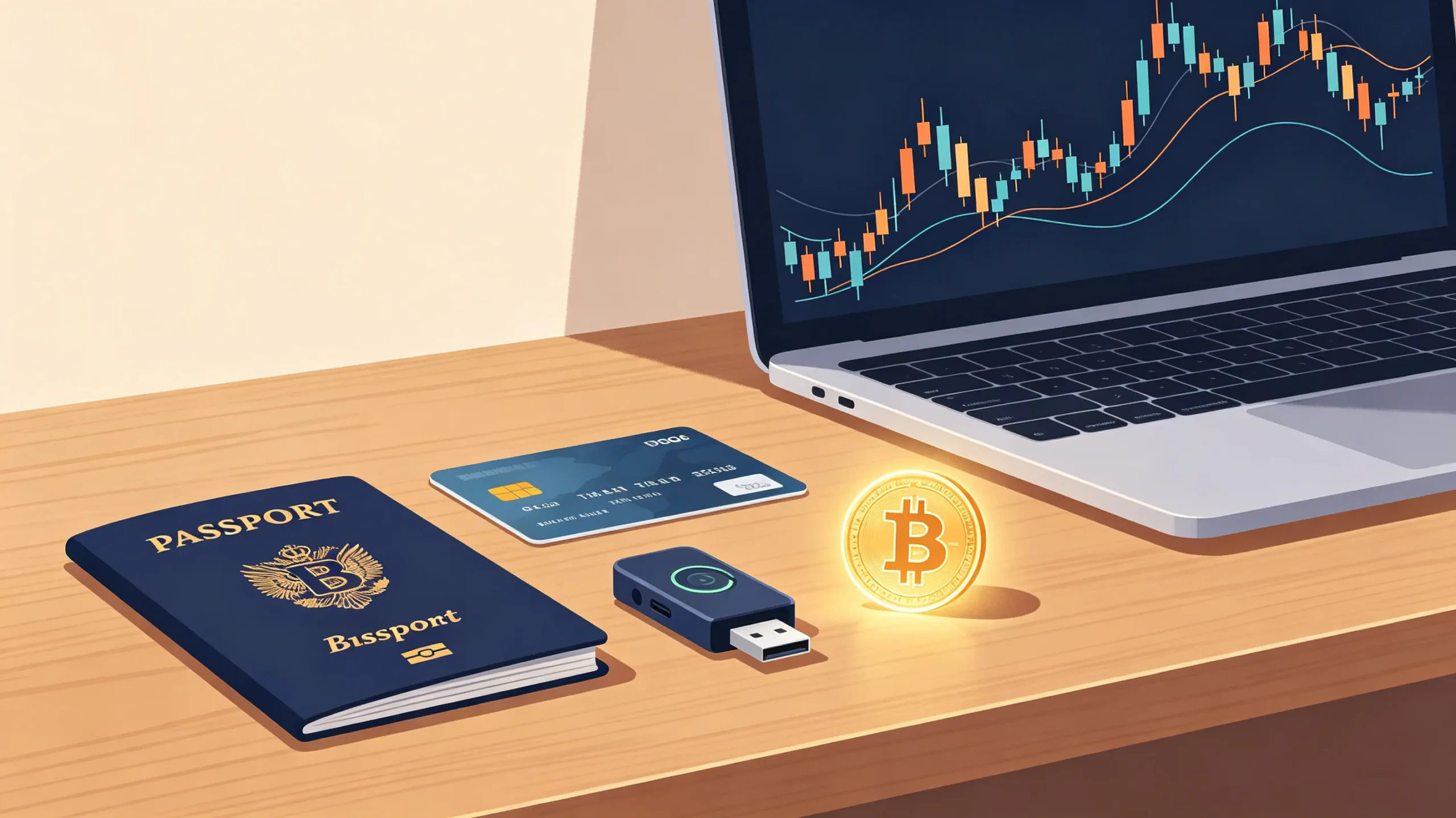
Before you start, gather these essentials:
-
Government-issued ID – Passport, driver‘s license, or national ID card for KYC verification
-
Bank account or debit/credit card – To fund your purchase
-
Secure internet connection – Avoid public Wi-Fi when handling financial transactions
-
A hardware wallet (recommended) – For long-term storage; order this before you buy
Bitcoin is divisible into 100 million units called satoshis. You don’t need to buy one whole Bitcoin—you can start with as little as $10–$20 depending on the platform.
Choosing the Right Platform to Buy Bitcoin Safely
Not all platforms offer the same level of protection. When evaluating where to buy, look for these security indicators:
Regulatory Compliance
A safe platform operates within legal frameworks. Look for licenses from major financial regulators—these mandate capital reserves, anti-money laundering protocols, and segregation of customer funds from company money .
Security Infrastructure
Reputable exchanges keep the vast majority of assets in cold storage (offline systems inaccessible to hackers). They also use multi-signature technology, meaning no single person can authorize a transaction alone .
Transparency and Insurance
Top-tier platforms publish Proof of Reserves to demonstrate they hold customer assets on a 1:1 basis. Many also maintain significant insurance coverage against theft or damage .
Platform Types Compared
| Platform Type | Best For | Security Level | Typical Fees | Custody |
|---|---|---|---|---|
| Centralized Exchange (CEX) | Beginners, high liquidity | High (regulated) | 0.1–0.5% trading fees | Platform holds your BTC until withdrawal |
| Bitcoin-Focused App | Recurring buys, simplicity | High | Spread + variable fees | Platform custody or self-custody options |
| Hardware Wallet (with buy feature) | Long-term holders | Highest | Third-party provider fees | Self-custody |
| P2P Exchange | Flexible payment methods | Medium (counterparty risk) | Seller-set fees | Varies |
| Bitcoin ATM | Cash purchases, privacy | Low–Medium | 7–15% fees | Self-custody (if withdrawn) |
Centralized exchanges offer the lowest fees and deepest liquidity, making them the most practical starting point for beginners . Hardware wallets offer the highest security for long-term storage.
Setting Up and Securing Your Exchange Account
1. Create Your Account
Go directly to the exchange‘s official website—bookmark it to avoid phishing sites. Sign up with your email and create a strong password (use a password manager).
2. Complete Identity Verification (KYC)
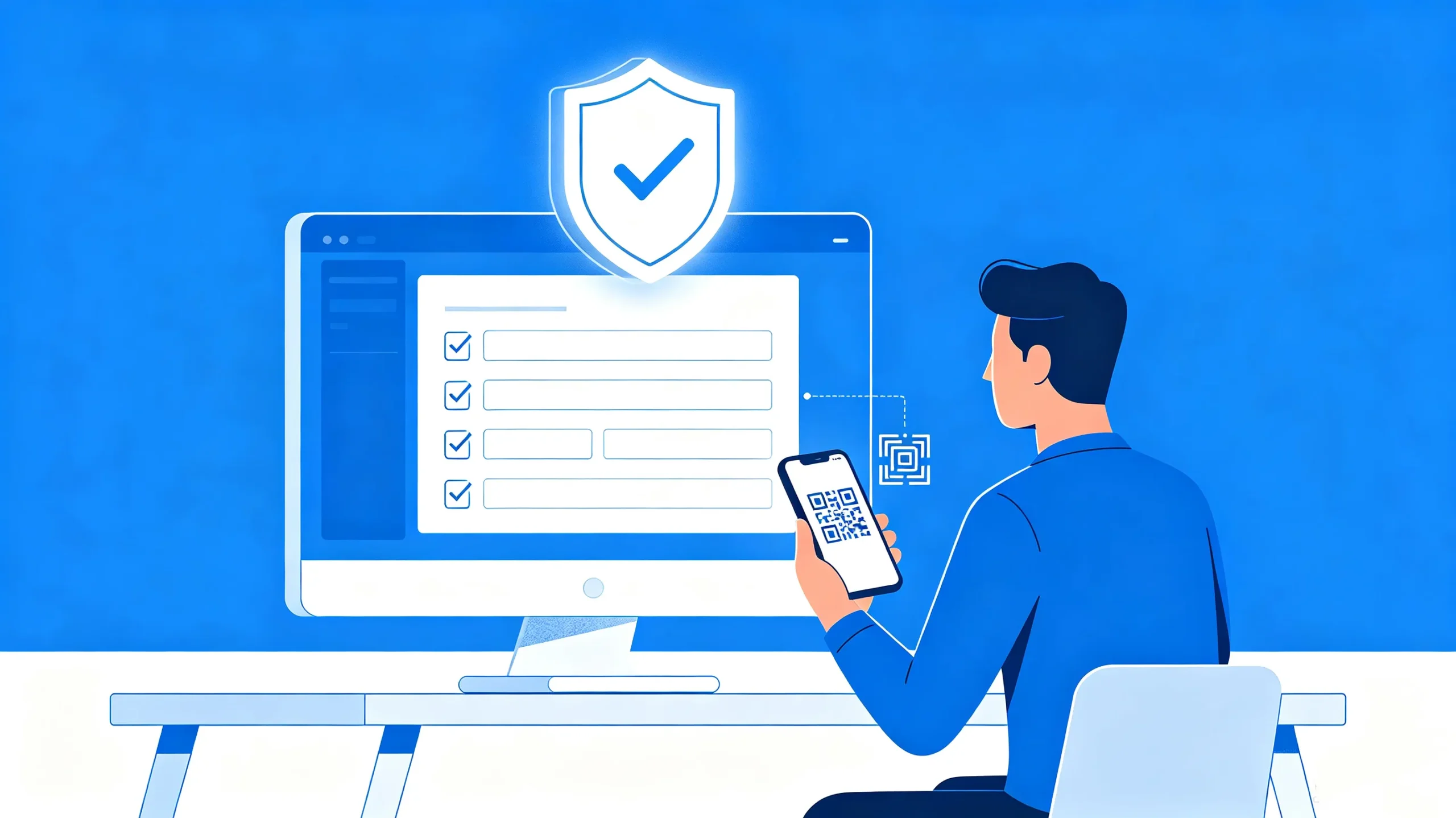
You’ll need to provide a government-issued ID and a selfie. This isn‘t just a formality—it’s a critical regulatory requirement that helps prevent fraud and ensures the platform remains secure for all users .
3. Enable Multi-Factor Authentication (MFA)
This is non-negotiable. Use an authenticator app (like Google Authenticator or Authy) rather than SMS, which is vulnerable to SIM-swapping attacks . Also set up:
-
Fund password – An additional password for withdrawals and trades
-
Withdrawal address whitelist – Restrict withdrawals to pre-approved addresses
Funding Your Account: Payment Methods Compared
| Payment Method | Speed | Cost | Best For |
|---|---|---|---|
| Bank Transfer (ACH/SEPA) | 1–3 days | Low (0–$5) | Larger amounts, recurring purchases |
| Debit/Credit Card | Instant | 1.5–4% | Small, urgent purchases |
| Apple Pay / Google Pay | Instant | Variable partner fees | Spontaneous buys, convenience |
Bank transfers are typically the most cost-effective option, especially for larger purchases . Card payments offer speed but come with higher fees and may have lower limits. Always check the final amount of BTC you‘ll receive—the headline fee isn’t the only cost; spreads can quietly raise your entry price .
Making Your First Bitcoin Purchase
-
Navigate to the Buy or Quick Buy section
-
Select Bitcoin (BTC) as the cryptocurrency
-
Enter the amount in your local currency—the platform shows the BTC equivalent
-
Choose your payment method
-
Order Types:
-
Market Order: Executes immediately at the current price
-
Limit Order: Executes only when Bitcoin reaches your specified price
-
-
Review the transaction details—including fees and the final BTC amount—then confirm
In most cases, your BTC appears in your exchange wallet immediately. But here‘s where most beginners make their biggest mistake…
The Most Critical Step: Transferring to a Safe Wallet
This is the single most important step in buying Bitcoin safely. If you leave your Bitcoin on an exchange, you don’t actually own it—the exchange does.
“Not Your Keys, Not Your Coins”
Exchanges hold your private keys. If the exchange is hacked, goes bankrupt (like FTX), or freezes withdrawals, you could lose access to your funds . Self-custody means you control the private keys—and the responsibility.
Hot Wallets vs. Cold Wallets
| Wallet Type | Security | Convenience | Best For |
|---|---|---|---|
| Hot Wallet (Software) | Moderate—connected to internet | High—easy to access and trade | Small amounts, frequent transactions |
| Cold Wallet (Hardware) | Highest—offline storage | Lower—requires physical device | Large amounts, long-term holding |
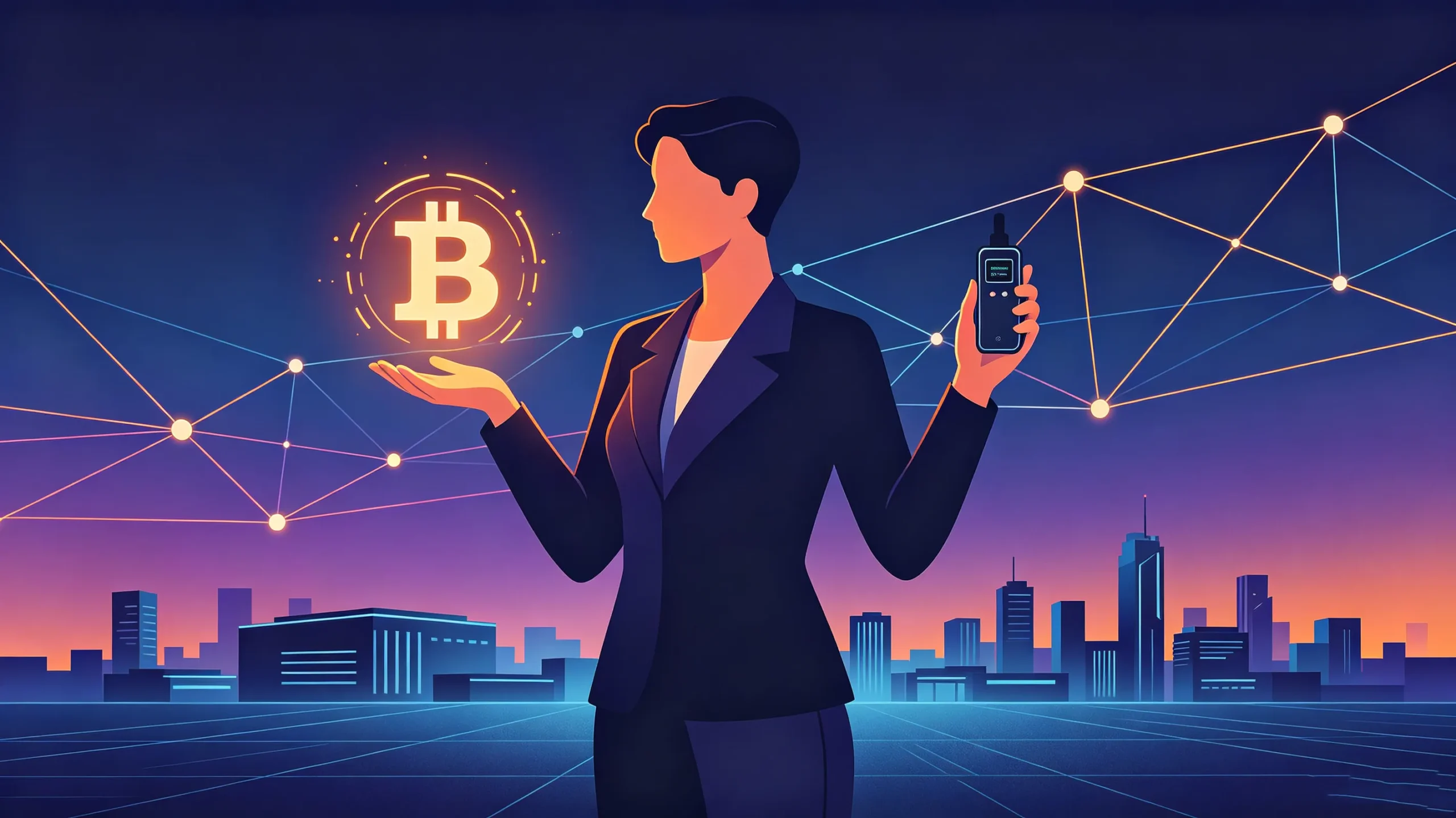
Hardware wallets (like Ledger, Trezor, or Tangem) are the gold standard for storing Bitcoin . They keep your private keys offline, making them immune to remote hacks.
How to Transfer Your Bitcoin
-
Set up your hardware wallet first before you buy
-
In your exchange account, go to Withdraw or Send
-
Enter your wallet‘s receiving address—copy and paste carefully
-
Always verify the address on your hardware wallet‘s screen
-
Send a small test transaction first (e.g., $10 worth of BTC) to confirm everything works
-
Once confirmed, send the remaining amount
Protect Your Seed Phrase
Your seed phrase (recovery phrase) is the master key to your Bitcoin. Never:
-
Type it into any website or email
-
Store it digitally (screenshot, cloud, password manager)
-
Share it with anyone—not even “customer support”
Instead:
-
Write it down on paper or stamp it into steel plate
-
Store copies in two separate secure locations
What‘s Next After Buying Bitcoin?
Once you’ve bought and securely stored your Bitcoin, you have two main paths:
1. Long-Term Holding (HODLing)
Transfer your Bitcoin to cold storage and hold for years. This strategy has rewarded patient investors since Bitcoin‘s inception.
2. Entering the Mining Industry
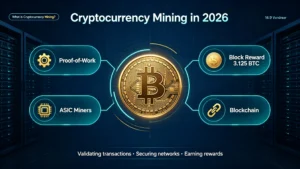
If you believe in Bitcoin’s long-term value and want to earn Bitcoin continuously, mining is another way to accumulate—you earn new BTC by contributing computing power to the network.
Xonmining specializes in providing ASIC miners for Bitcoin and other cryptocurrencies. With over 12 years of experience in the mining industry and partnerships with major manufacturers like Bitmain and MicroBT, we help miners—from beginners to large-scale operations—get started with reliable, high-performance hardware .
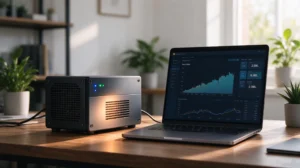
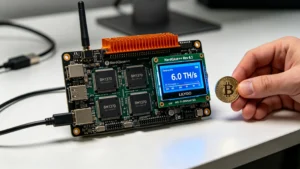
For beginners, home-friendly models like the IceRiver XP0 (ultra-quiet, 60W, desk-friendly) or Lucky Miner LG07 Pro (compact, WiFi-enabled) offer accessible entry points into mining without the complexity of industrial-scale setups .
Final Thoughts
Buying Bitcoin safely comes down to one principle: you control the keys, you control the coins. The process isn‘t complicated, but it demands attention to security at every step.
If you’re interested in earning Bitcoin continuously rather than buying it once, explore Bitcoin mining. Xonmining offers a range of ASIC miners—from home-friendly models like the IceRiver XP0 to industrial-grade machines for larger operations. Our team of experts can help you choose the right hardware for your goals and budget.
[Contact Xonmining] to discuss your mining needs, or browse our product catalog to find the right miner for you.
Frequently Asked Questions (FAQ)
Is it safe to buy Bitcoin on an exchange?
Yes, when you use a regulated exchange with strong security practices—cold storage, 2FA, and Proof of Reserves. The key is to withdraw your Bitcoin to your own wallet after purchase .
What‘s the safest way to buy Bitcoin?
Use a regulated exchange, enable 2FA via authenticator app, and withdraw immediately to a hardware wallet .
Can I buy Bitcoin without ID verification?
Most regulated exchanges require KYC (identity verification) as a legal obligation . P2P platforms or Bitcoin ATMs may offer lower thresholds, but they carry higher risks and fees.
How much Bitcoin should I buy as a beginner?
Start with an amount you’re comfortable losing—Bitcoin is volatile. Even $50–$100 is enough to learn the process. Remember, Bitcoin is divisible; you don‘t need to buy a whole coin .
What happens if I lose my hardware wallet?
Your Bitcoin isn’t lost—it‘s stored on the blockchain. Use your seed phrase to restore your wallet on a new device. This is why protecting your seed phrase is critical .
Is Bitcoin mining profitable?
Profitability depends on electricity costs, hardware efficiency, and Bitcoin‘s price. For individuals, home-friendly miners like the IceRiver XP0 (60W, 35 dB) make mining accessible without major power upgrades. For large-scale operations, industrial miners offer higher returns .
How do I know if a crypto platform is regulated?
Check the platform’s website for licensing information. Regulated exchanges typically display their licenses and registration numbers in the footer .
Can I buy Bitcoin through Xonmining?
No—Xonmining specializes in ASIC mining hardware, not cryptocurrency sales. We help you mine Bitcoin directly, giving you ongoing exposure to Bitcoin’s upside.